Functions

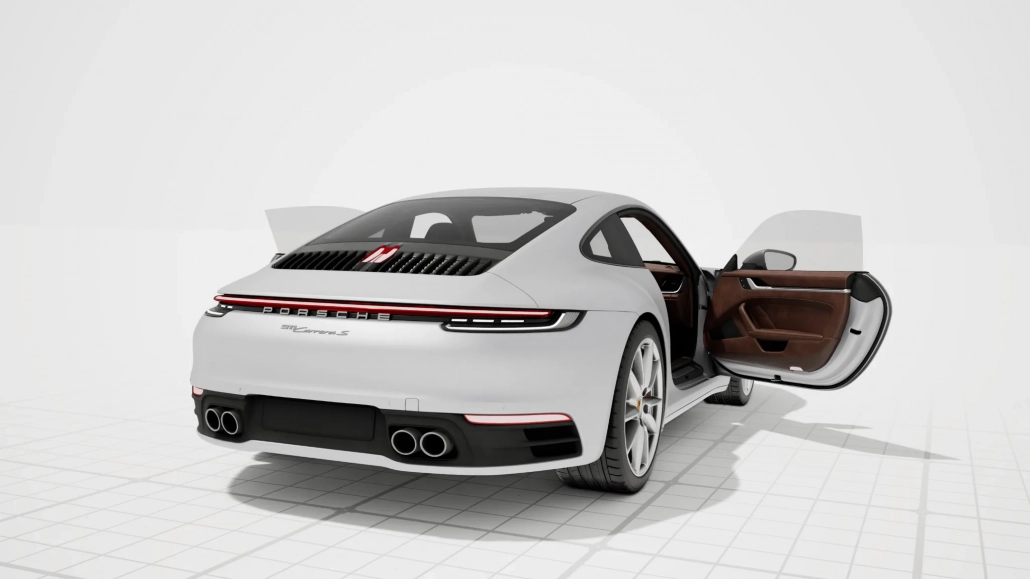
CAD is turned into a walk-in space.

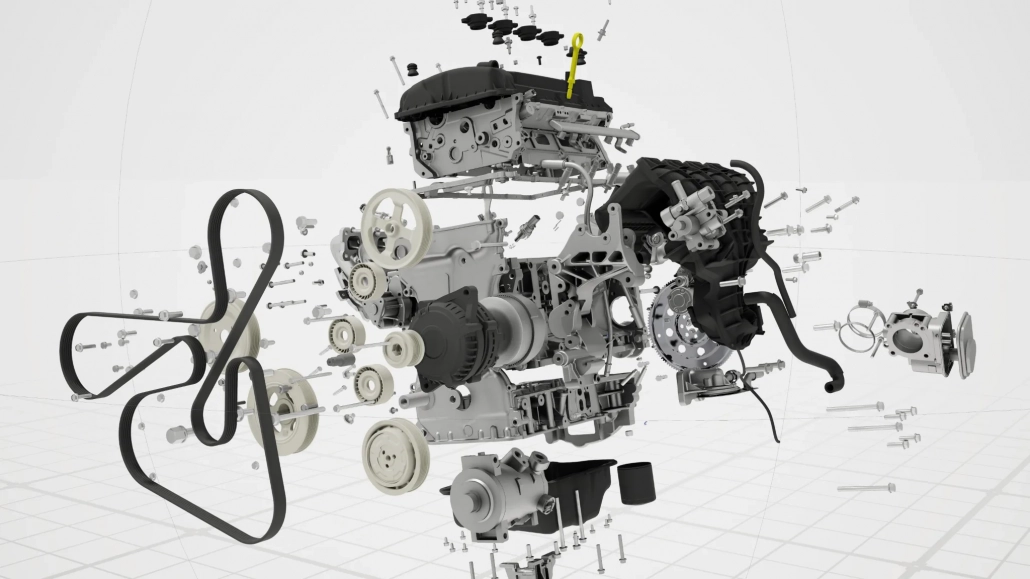
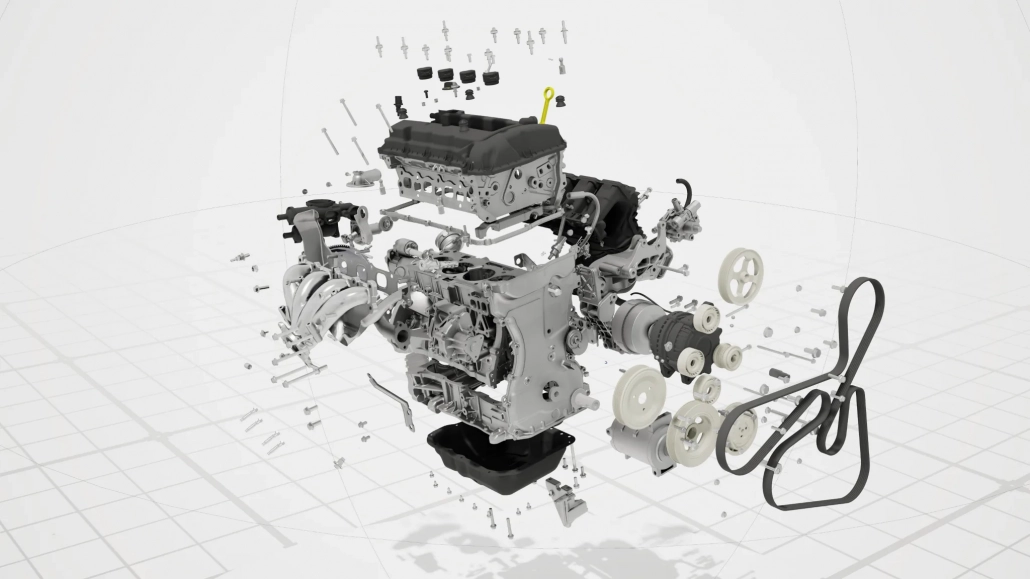
meshloader loads your 3D and CAD models, optimizes and compresses them into a lightweight .ml scene—shareable like a PDF, viewable on screen and in VR. All without a conversion service, without being tied to the cloud, and without special hardware.

01

Here's how it works —in three steps

Step 01

Import

Drag and drop your model from any standard 3D/CAD software. meshloader imports the geometry, materials, and structure directly.

→ load
Step 02

Optimize & Protect

The magic happens when you save: Data is optimized, compressed, and encrypted. Gigabytes become megabytes—password-protected in an .ml file.

→ optimize
Step 03

Share & Explore

Send the .ml file just like any other document. Recipients can open it for free using meshdrop—on screen or in VR, at a 1:1 scale.

→ commit
From Real-World Experience

Design review at
Cad Forge GmbH.

Managing Director Reinhard Roscher is responsible for reinforcement design— ALLPLAN is used as the CAD software. Thanks to the BIM approach, all relevant data is already incorporated into the 3D model. This allows critical issues to be discussed across trades and potential problems to be identified early on. The advantage is clear: Structures are analyzed and evaluated directly in the 3D model—before construction begins.

Safety First

Enterprise security
with meshloader XR.

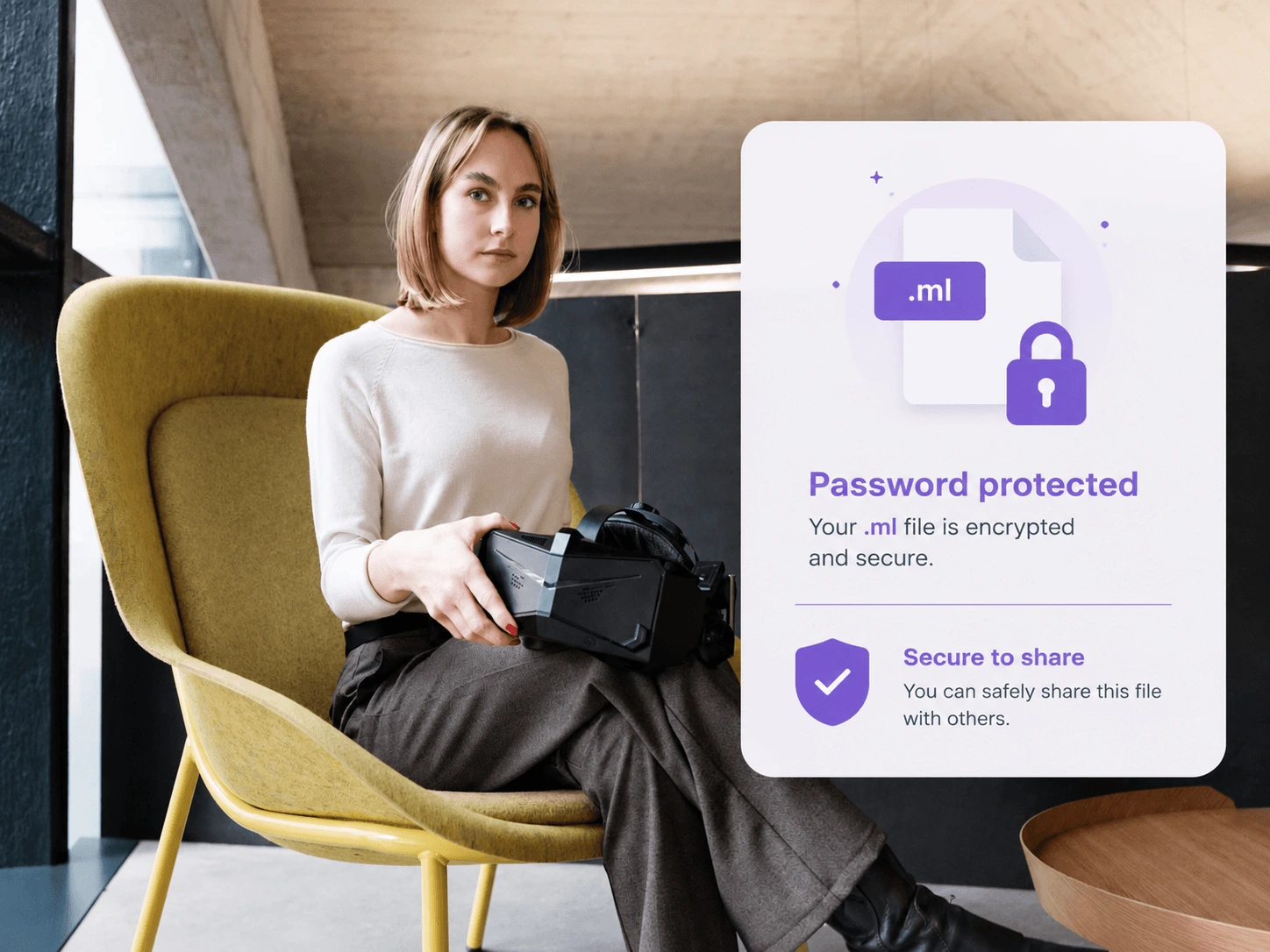
With meshloader XR, you can save your 3D scene as an .ml file—there’s no longer any need to send actual 3D models. To this end, we provide a custom-developed meshloader XR Viewer that displays only the .ml files you’ve generated. This ensures that the shared scene is displayed exactly as you intend—without the risk of unauthorized editing or reuse. Password protection provides additional security: Only viewer installations authorized by you and with a valid meshloader XR license can open the file.

Meshdrop

Better communication.
Free for everyone.

Meshdrop is meshloader’s communication tool—it connects your team, your sales department, and your end customers all in one place. Your raw 3D data is never shared; instead, only an encrypted .ml file —which can be password-protected upon request—is shared—your original data never leaves your premises. What PDF is to documents, .ml is to 3D: Your counterpart sees exactly what you want to show—with all meshloader features included. Screenshots are a thing of the past.

In VR Space

Renderings —
has never been easier.

With the virtual tablet in VR-Space, you can use it just like a camera: In seconds, you can create renderings for documentation purposes—directly from the scene you’re exploring. Our tools integrate all your project communication more efficiently and seamlessly into your workflow.

02

Core Features — What meshloader Can Do

Import All Formats

One loader for everything: from IFC to glTF to FBX. No back-and-forth conversions, no format chaos.

.glb.fbx.obj.ifc.3ds.usd.dae

Optimize & Compress

Large files shrink to a fraction of their original size. Gigabytes → megabytes — quick to split, quick to open.

Encrypted & Secure

Only the password-protected .ml file is shared. Your unprotected CAD data remains on-site.

Screen & VR

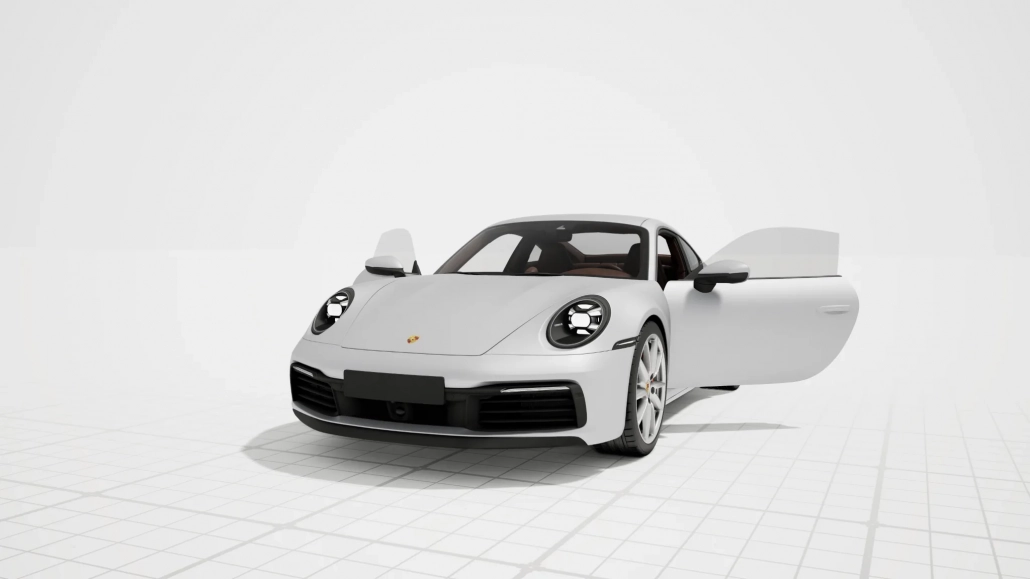
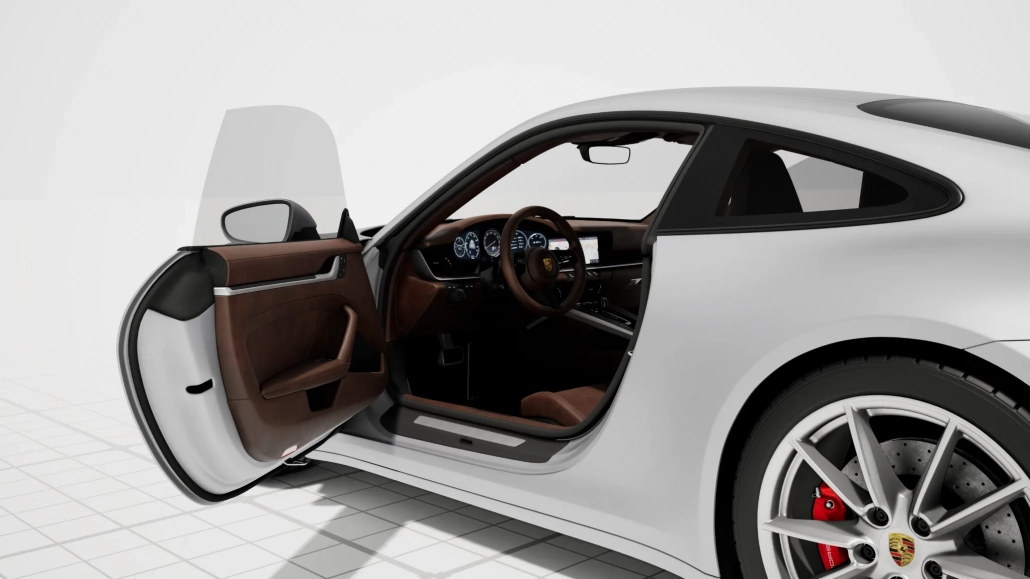
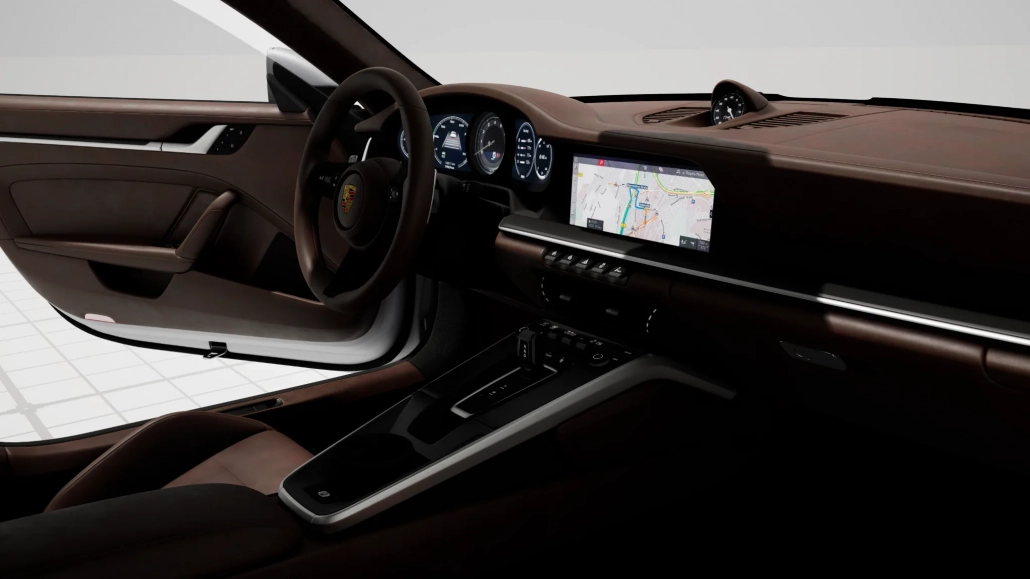
View the same model on screen or explore it in VR—at a true 1:1 scale, without any special setup.

Multi-User Review

Everyone involved works in the same model at the same time—and solves problems together before construction begins.

Share as a PDF

Recipients don't need a license: meshdrop opens any .ml file for free—the same everywhere.

The Format

Just as PDF is to documents,
is to .ml for 3D.

A scene that’s the same everywhere: scale, lighting, and depth remain consistent. It all comes down to how you capture it— for everyone, every time.

up to 60×
smaller files
Sec.
Loading time instead of minutes
1:1
Scale in VR
0 €
for the meshdrop viewer