What file formats does meshloader support?+
meshloader imports common 3D and CAD formats such as FBX, glTF, GLB, OBJ, 3DS, DAE, USD, and IFC. Simply export from your CAD software to one of these formats.
Do I need VR glasses to use meshloader?+
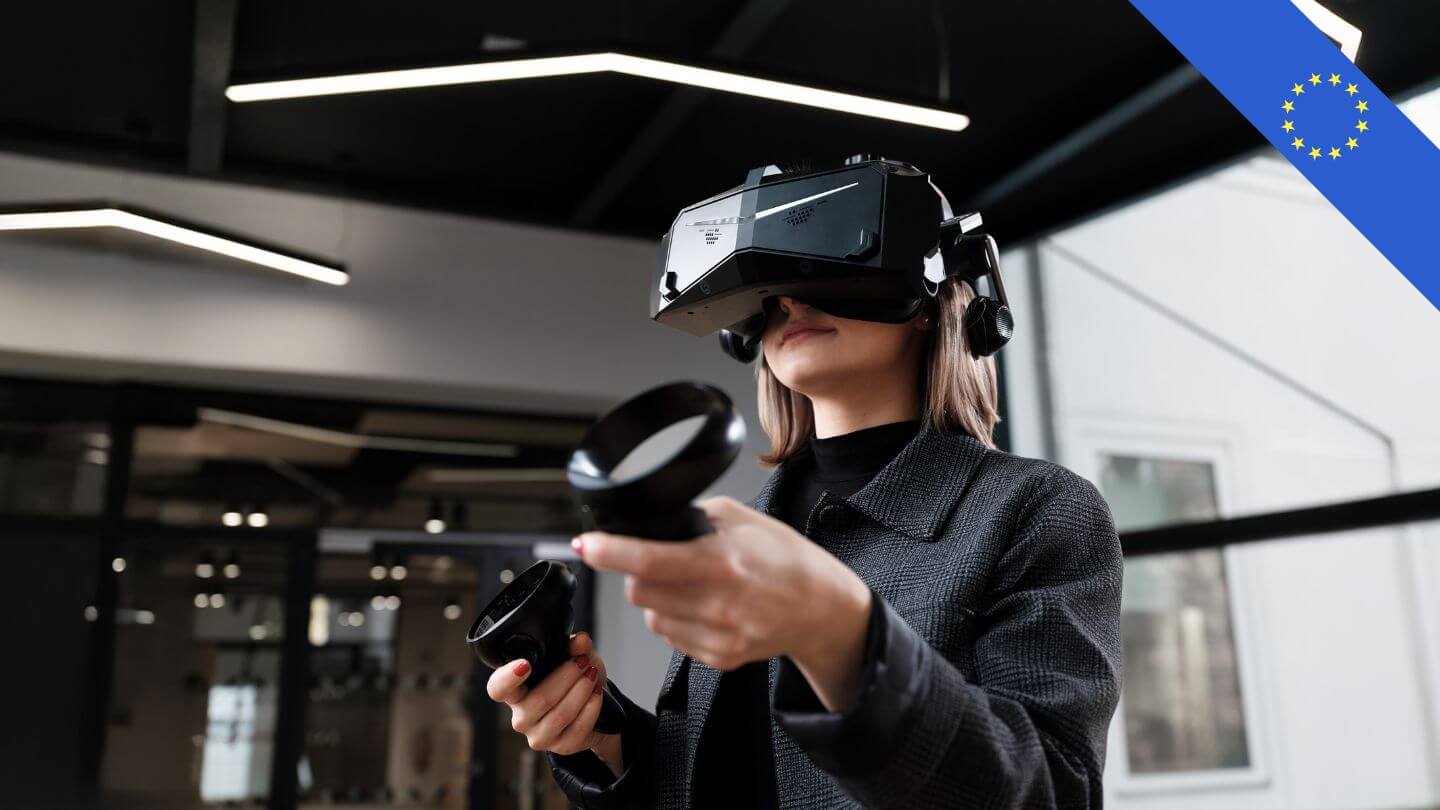
No. You can also open and explore each model on a regular screen. With VR headsets—including Meta Quest, HTC Vive, Valve Index, Pico, Varjo, HP, and Pimax—you can also experience the model on a 1:1 scale.
How secure is my CAD data?+
You retain your original data. Only the .ml file is shared: encrypted, password-protected, and without any unencrypted 3D raw data. Recipients can view the scene but cannot extract any CAD data.
What is an .ml file?+
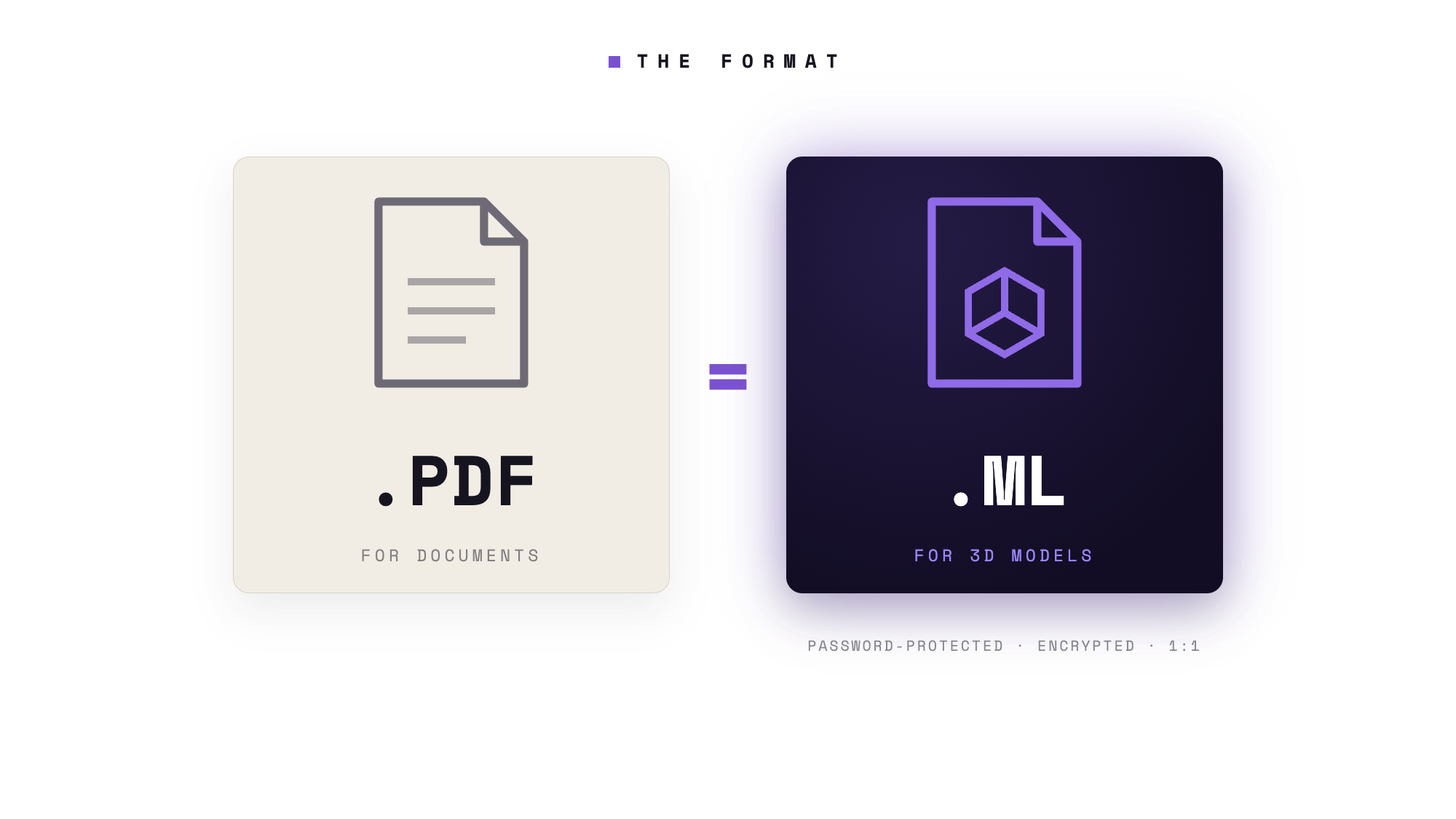
The .ml format is meshloader's container format for 3D scenes—just as PDF is for documents, .ml is for 3D models: consistent across all platforms, true to scale, up to 50% smaller than the source file, and password-protected.
Can multiple people view a model at the same time?+
Yes. In multi-user mode, multiple participants can enter the same scene—ideal for design reviews with clients, specialists, or distributed teams.
How much does meshloader XR cost?+
There's a free version to get you started; you can find premium subscriptions and all the terms and conditions on our Pricing page.
For which industries is meshloader suitable?+
meshloader XR is primarily used in architecture and construction (including BIM workflows), in mechanical and plant engineering, and by design and engineering firms—anywhere teams collaborate to review and make decisions on 3D and CAD designs during virtual walkthroughs before construction or production begins.