Meshloader® · Collaborative XR
Bring to lifeinto CAD.

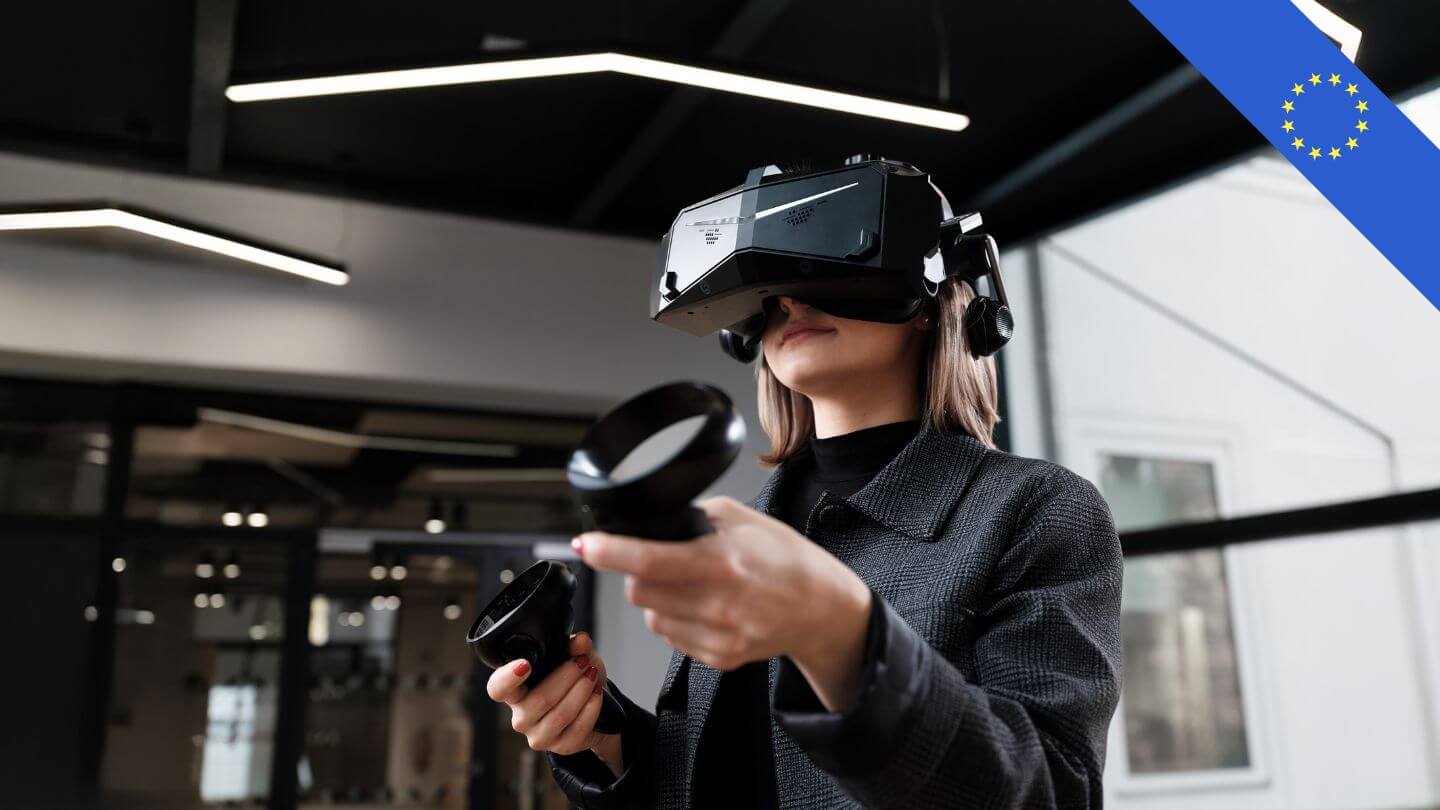
Check CAD and 3D models securely in VR.

The 3D and CAD viewer for design reviews in architecture, mechanical engineering, and plant engineering—on screen and in VR, with no cloud dependency.

Upload your models and turn static CAD data into a dynamic, protected scene that anyone can open. Only a password-protected .ml fileleaves your company—no unprotected 3D data.

Built with
  • Assimp
  • NVIDIA
  • OpenUSD
  • OpenXR
  • Unreal Engine
  • wyDay
What is meshloader?

Your 3D/CAD model. Walk through it in seconds.

meshloader XR is a VR and 3D viewer for planning teams in architecture, mechanical engineering, and plant engineering: You upload your CAD or 3D model, and meshloader turns it into a secure, walk-through scene—no conversion service, no cloud requirement, and no special hardware needed. Your team can review designs together during a virtual walkthrough at a 1:1 scale, either on screen or in VR—and make decisions before construction or production begins.

What is meshloader?

01Safe

Only the encrypted, password-protected .ml file is shared—your unencrypted CAD data remains on-site.

02Fast

Gigabytes turn into megabytes: Models open in seconds—even on standard office hardware.

03Together

Multi-user reviews: Everyone involved is in the same model at the same time—and makes decisions there.

Design Review — in the Digital Twin

See what the plan leaves out.

Everything looks correct on the 2D plan—and yet the forklift won’t fit through the gate, the pipe collides with the beam, and there isn’t enough space for maintenance. In the digital twin, you stand in the middle of your facility on a 1:1 scale and can identify such errors in minutes, rather than on the construction site. Review designs together from the inside—and make decisions before anything is ordered, built, or produced.

Comparison of meshloader's .ml file format with traditional 3D and CAD formats
The Format

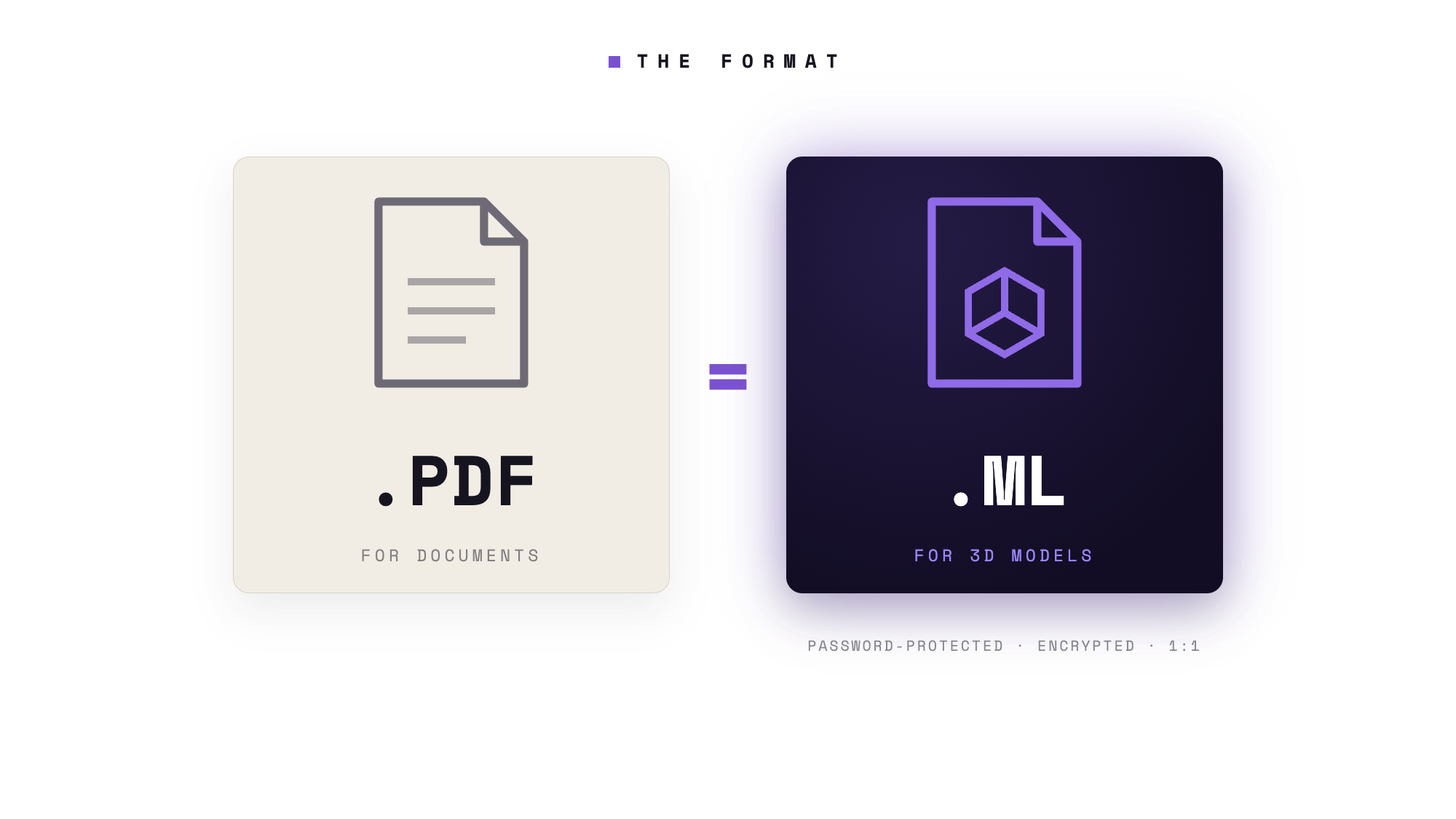
What PDF is to documents, .ml is to 3D.

PDF has become the standard because it builds trust: Anyone can open it, nothing gets lost, and nothing ends up in a third-party cloud. The .ml file follows the same logic—but for spaces, machines, and motion. Scale, light, and depth remain consistent. It arrives exactly as you save it. For everyone, every time. And best of all: .ml shrinks even heavy 3D and CAD models to a fraction of their original size—gigabytes become megabytes. Quick to share, quick to open, without special hardware.

PDF
  • A document that's the same everywhere
  • Opens on any device
  • Nothing shifts
  • For basic information
.ml
  • A scene that's the same everywhere
  • Opens on screen & in VR
  • The 1:1 scale is maintained
  • Files up to 50% smaller
  • For Space, Machines, and Motion

Password-protected & encrypted — only a single view leaves your home; never unencrypted 3D data.

meshloader workflow

Let's solve it, together.

Communication first. Meshloader makes communication via 3D models easy, secure, and fast—and brings everyone together around a single model.

In an increasingly complex world, it’s not about apps—the technology works. Our focus is on bringing people together: a workflow that brings trades and decision-makers into a model at the right time so that problems can be solved collaboratively before construction or production begins—quickly, intuitively, and securely with meshloader.

meshloader on the screen

Design reviews, even without VR headsets.

Even when used without VR glasses, meshloader delivers the highest visual quality for your design reviews.

With meshdrop, you can send your .ml file as easily as a document—and communicate far more effectively. You can be sure that the person on the other end will see the 3D scene exactly as you intend: same scale, same lighting, same rendering—on every screen, every time.

Experience it for yourself

Try out meshloaderat
with your own models.

See for yourself: from CAD export to a walk-through scene in just a few minutes. Use case—Allplan export.

Try it for free

No presentation slides, no sample data: Upload your own CAD model and find yourself right in the middle of it all just a few minutes later—on your screen or in VR. BIM workflows in practice.

Try it for free now

The free version can be installed in just a few minutes. You can find information about premium features and terms on the Pricing page.

meshloader XR

From 3D to VR in seconds.

Immersive brand experience. Experience 3D models from your 3D/CAD software in virtual reality in a matter of seconds.

Working closely with leading design and engineering firms, we have spent the last five years developing meshloader XR. With just one click, you can experience 3D models effortlessly and in the highest quality in virtual reality. Optimize your workflows and present your projects in innovative ways—quickly, intuitively, and impressively realistic with meshloader XR.

meshloader XR

Simulation Meets the Digital Twin

Experiencing a simulation using virtual reality in a virtual space creates a significantly more immersive experience than simply viewing it on a screen. Use case: Visual Components simulation in VR.

Our goal is to bring all project stakeholders together before construction begins. By conducting a joint simulation using the digital twin, potential errors can be identified, discussed, and resolved early on. After all, errors that only surface during implementation can cause significant damage and costs. Early and clear communication therefore always pays off..

Security & Data Sovereignty

Your models stay where they belong: with you.

Made in Europe. Developed in Austria. Operated without the need for the cloud.

Your CAD data leaves your company only as an encrypted, password-protected .ml file—never as unencrypted 3D data. No uploads to third-party servers, no conversion services, no reliance on U.S. cloud services. You decide what to share, and who can open it.

Encrypted| Password-protected| No cloud requirement| Data stays on-premises| Made in Europe

Use Case · WKO Styria — SteinerBau

Design Reviews Architecture

How WKO Styria and SteinerBau make their construction projects accessible as early as the planning phase — jointly reviewing, coordinating, and deciding on designs on a 1:1 scale, long before the first brick is laid.

The following HMDs for PCVR are supported

steamVR version | meta quest version


The premise

Breathe life into your CAD data.

CAD data is stored in the vault—complex, technical, and readable by almost no one except the engineer who drew it.

Meshloader gives you one. A silent file becomes a living scene into which an entire project can enter—resolved, just as Houston resolved it: an entire room looking at the same thing and asking the same question together.

Countless customers rely on meshloader

Improve customer communication with virtual reality

 
FAQ

Frequently Asked Questions About meshloader.

What file formats does meshloader support?+

meshloader imports common 3D and CAD formats such as FBX, glTF, GLB, OBJ, 3DS, DAE, USD, and IFC. Simply export from your CAD software to one of these formats.

Do I need VR glasses to use meshloader?+

No. You can also open and explore each model on a regular screen. With VR headsets—including Meta Quest, HTC Vive, Valve Index, Pico, Varjo, HP, and Pimax—you can also experience the model on a 1:1 scale.

How secure is my CAD data?+

You retain your original data. Only the .ml file is shared: encrypted, password-protected, and without any unencrypted 3D raw data. Recipients can view the scene but cannot extract any CAD data.

What is an .ml file?+

The .ml format is meshloader's container format for 3D scenes—just as PDF is for documents, .ml is for 3D models: consistent across all platforms, true to scale, up to 50% smaller than the source file, and password-protected.

Can multiple people view a model at the same time?+

Yes. In multi-user mode, multiple participants can enter the same scene—ideal for design reviews with clients, specialists, or distributed teams.

How much does meshloader XR cost?+

There's a free version to get you started; you can find premium subscriptions and all the terms and conditions on our Pricing page.

For which industries is meshloader suitable?+

meshloader XR is primarily used in architecture and construction (including BIM workflows), in mechanical and plant engineering, and by design and engineering firms—anywhere teams collaborate to review and make decisions on 3D and CAD designs during virtual walkthroughs before construction or production begins.

View all questions →
Next Step

Ready to enter your model ?

Download meshloader XR and turn your first CAD model into a walk-through scene—for free.